First steps into mobile development with React Native and Expo
A web developer's experience crossing into mobile: what I learned while setting up Looplio with React Native and Expo, and how my expectations shifted.

Written 3 years ago — it reflects the conditions of that time.
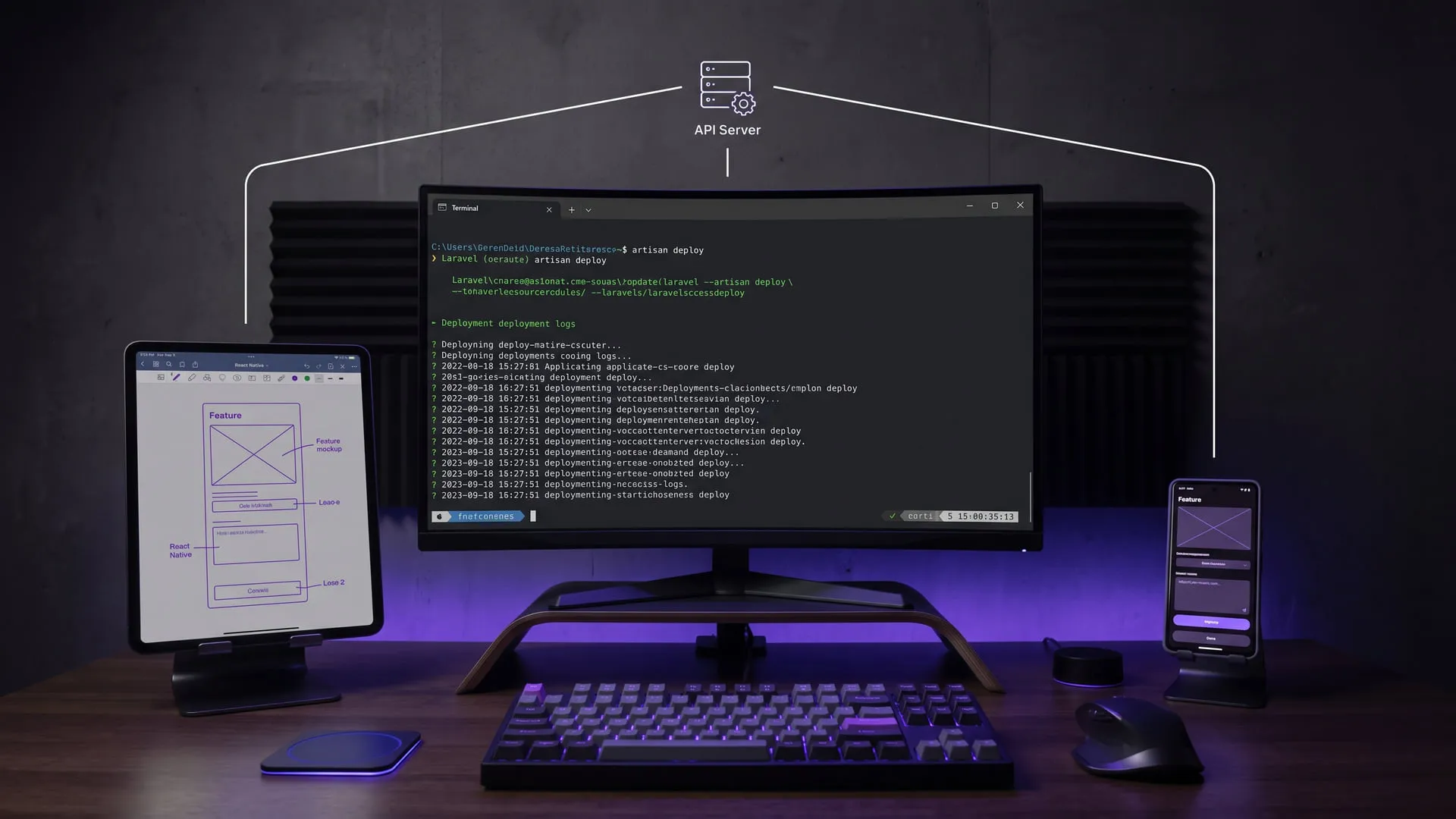
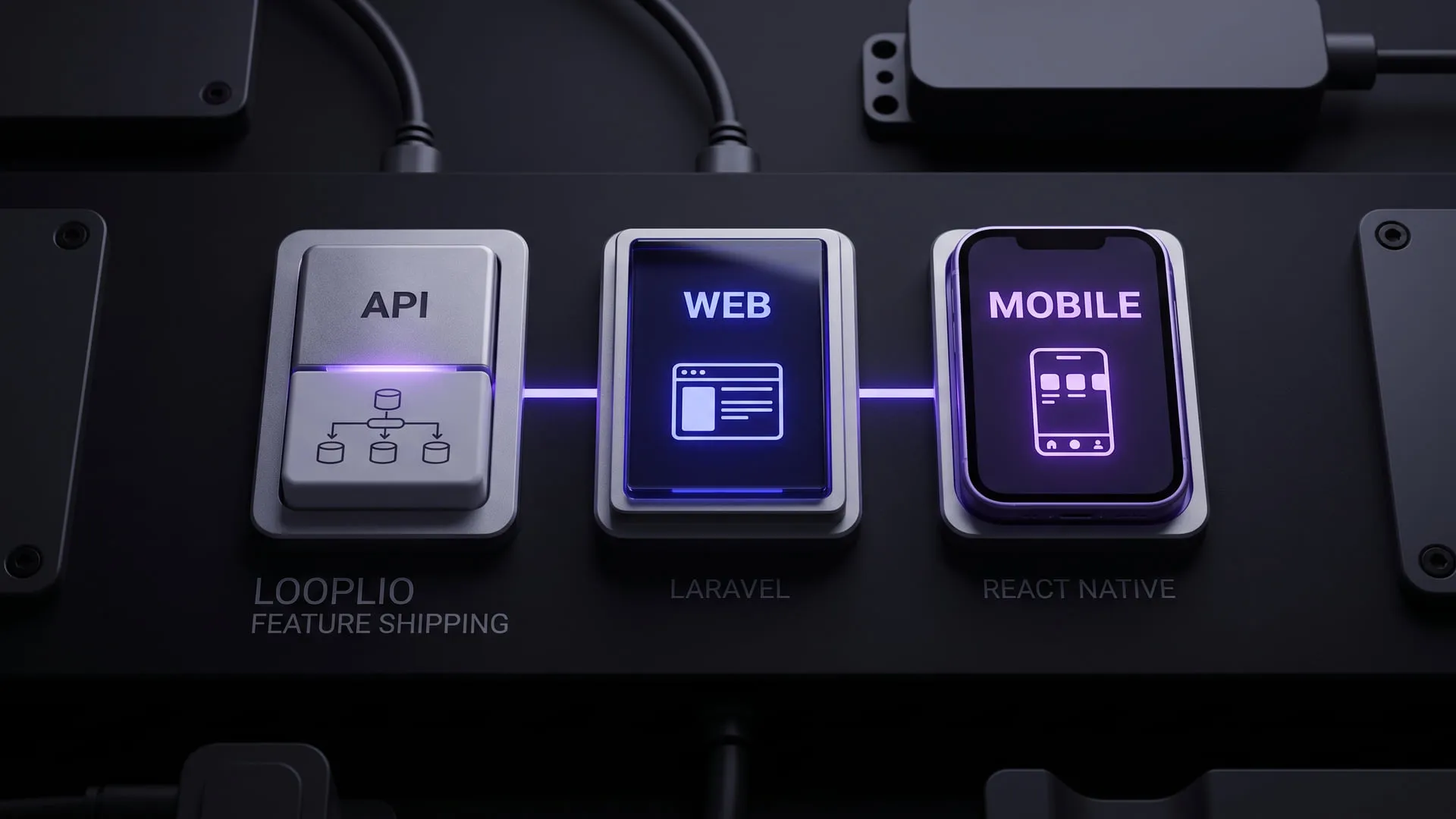
This year, I started writing Looplio’s mobile client. Looplio is a personal project I’ve been working on for a while: the API side is written in Laravel, and it already has a web interface. The mobile piece was missing. I had got to know React on the web while writing components with hooks; React Native’s promise is precisely that this knowledge carries over to mobile. I kept telling myself “when the time is right” and put it off — this summer I decided to actually start.
I chose React Native and Expo. I had JavaScript and React experience on the web side, so the knowledge transfer seemed reasonable. That turned out to be partly true and partly wrong.
Expo or bare React Native
The first decision was whether to go with Expo’s managed workflow or plain React Native CLI. I did my research; the managed workflow covered most of my use cases. I needed features that don’t require writing native modules — things that Expo’s package ecosystem already handles: camera, notifications, secure storage, push notifications.
The development experience with the Expo Go app is fast. You change the code, you see it on your phone immediately. The hot reload habit from the web carries over nicely.
npx create-expo-app looplio-mobile
cd looplio-mobile
npx expo start
After that, it’s just scanning the QR code to connect your phone to the dev server.
What I brought from the web, what I had to leave behind
React knowledge transfers well for the most part. Component logic, useState, useEffect, props — all the same. What React Native doesn’t have is HTML tags; View replaces div, Text replaces p, Image replaces img. This transition internalizes within a few days.
Styling is a different story. There’s no CSS; instead you have StyleSheet, written as JavaScript objects. It’s Flexbox-based, but there are behavioral differences compared to web Flexbox. flex: 1 on mobile means “fill remaining space,” but its behavior isn’t always as predictable as on the web. You have to see these differences firsthand.
import { View, Text, StyleSheet } from 'react-native'

export default function EventCard({ title, date }) {
    return (
        <View style={styles.card}>
            <Text style={styles.title}>{title}</Text>
            <Text style={styles.date}>{date}</Text>
        </View>
    )
}

const styles = StyleSheet.create({
    card: {
        backgroundColor: '#fff',
        padding: 16,
        borderRadius: 8,
        marginBottom: 12,
    },
    title: {
        fontSize: 16,
        fontWeight: '600',
        color: '#1a1a1a',
    },
    date: {
        fontSize: 14,
        color: '#666',
        marginTop: 4,
    },
})
Navigation is the first major difference
On the web, navigation is URL-based; the browser manages history. On mobile, none of that exists. The React Navigation library fills that gap, but the mental model is different. Stack navigators, tab navigators, drawer navigators — and they can all be nested inside each other.
For Looplio I went with tab navigation: a home tab, calendar, notifications, and profile. I used a stack inside each tab. This structure settled in after some trial and error; it wasn’t clean on the first attempt.
API integration: easier than expected
This part was genuinely easier than I anticipated. I had already built and documented the Laravel API, and it was running. Making requests from the mobile side to the same endpoints using fetch or Axios isn’t much different from the JavaScript code on the web.
For authentication I used Expo SecureStore; the token is stored securely and attached to the header on every request. This approach requires a few lines of setup, then it just works transparently.
Where things stand now
As of late August, the core screens are working: login, event list, event detail, create new event. Notifications and some features are still missing, but there’s a skeleton in place.
Being a web developer makes getting started with React Native easier — but it doesn’t fully prepare you. Mobile has its own mindset: touch targets, screen transition animations, keyboard behavior, memory and performance constraints. These things surface gradually.
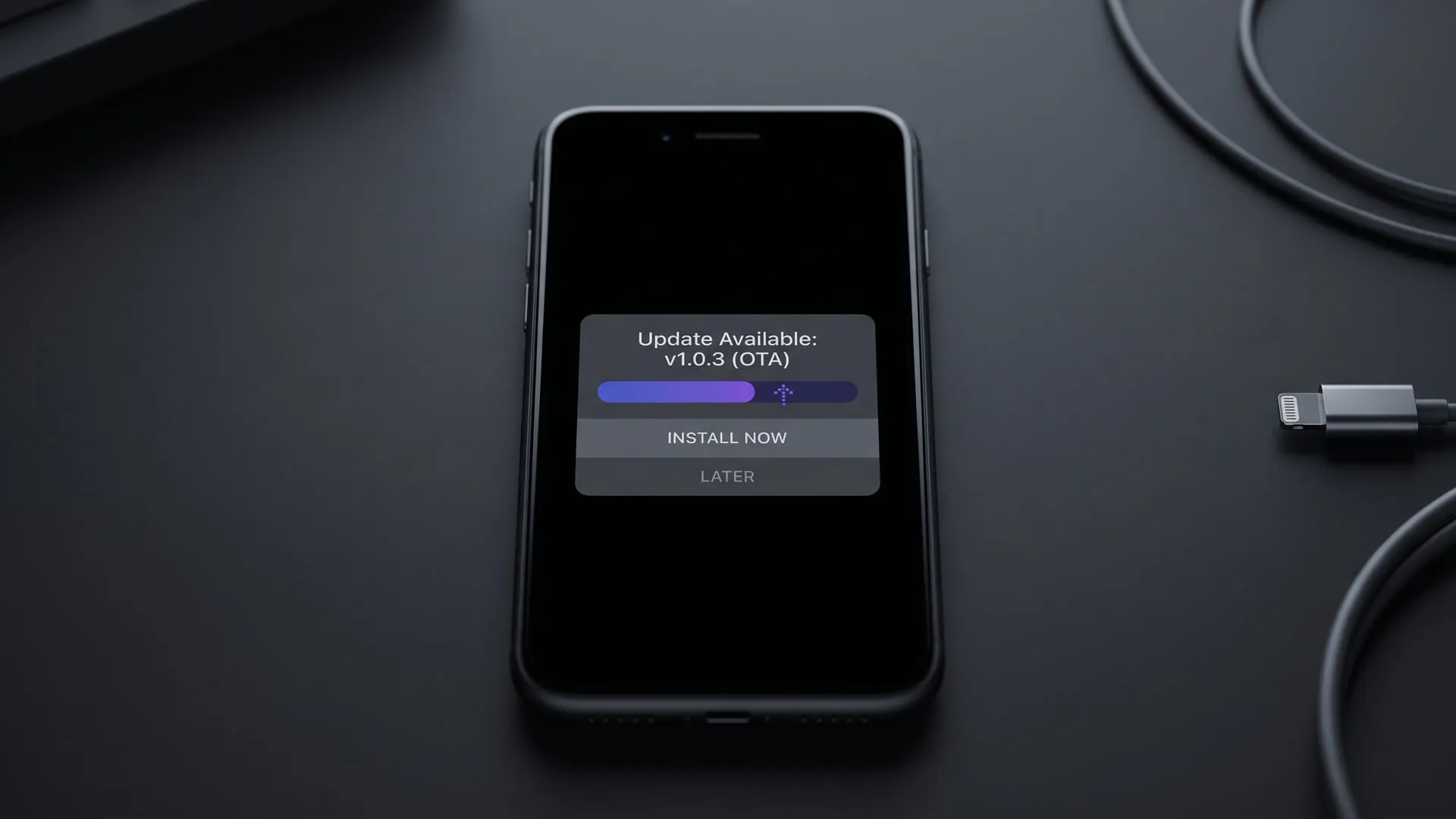
The next step is filling in those gaps and using Expo’s build infrastructure to produce a test release. I’ll cover that in the next journal entry.
Experiments on this topic
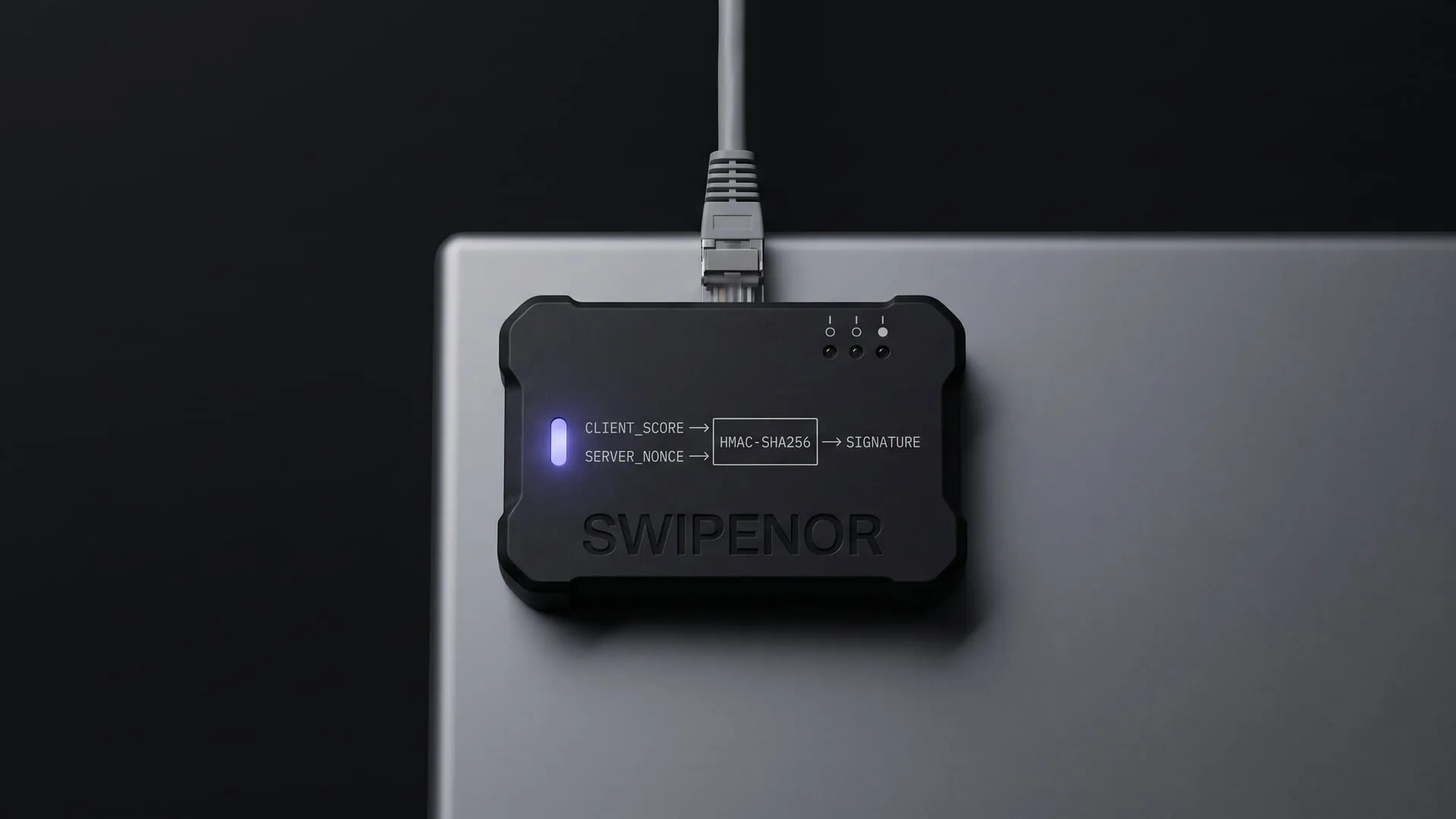
Swipenor: if the client computes the score, what does the server trust?
A swipe-based true/false trivia game; the real subject is not the game but making a client-computed score verifiable through a signature.
What it does today
The swipe-based true/false quiz runs end to end in its core loop as a mobile app; the score is produced on the client but verified server-side with a server_nonce and an HMAC signature. swipenor.com is the app's landing page, not the game itself.
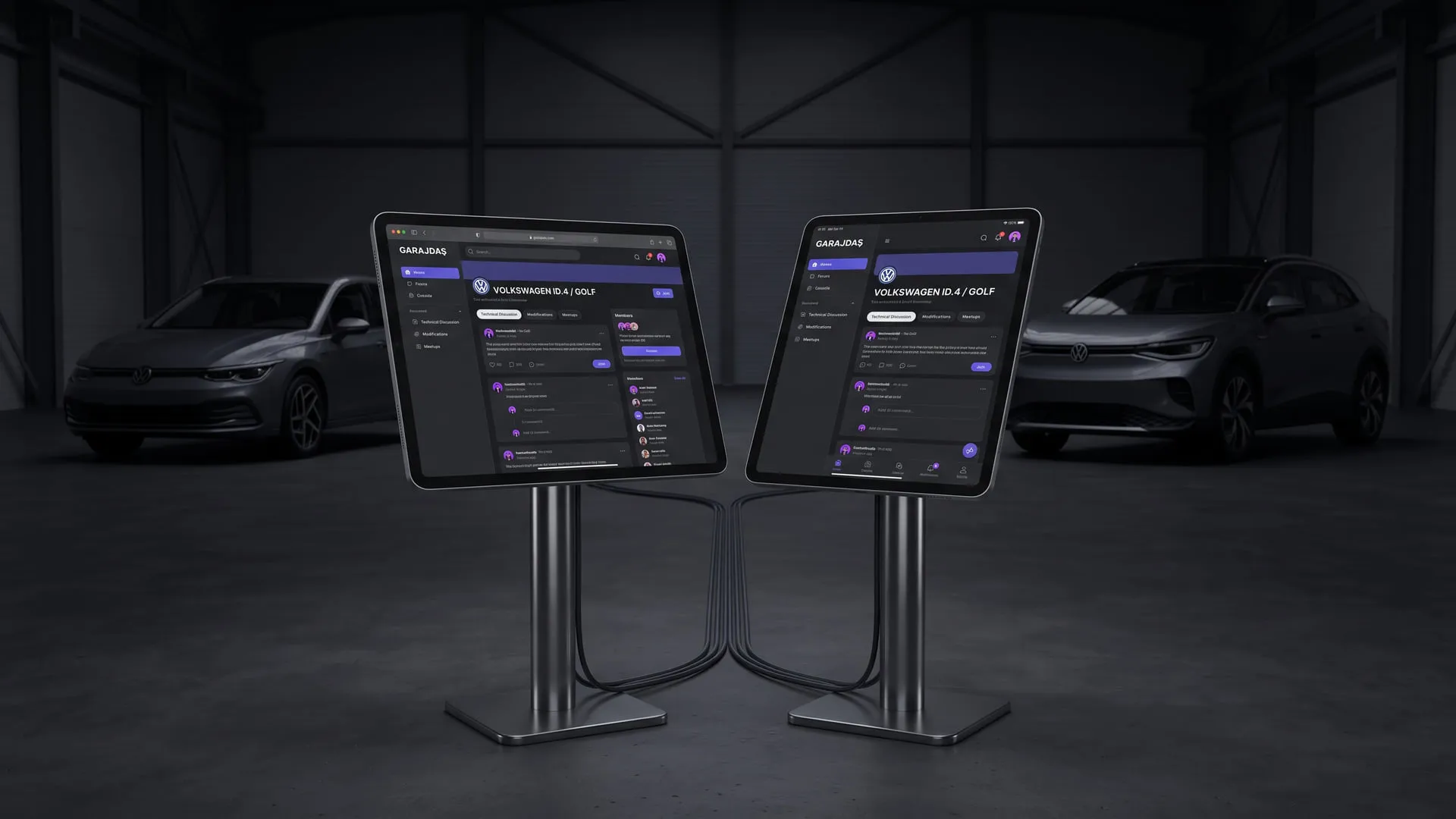
Garajdaş: model-specific community without the forum sprawl
A Reddit-like community platform where every vehicle make and model has its own club, holding ICE and EV under one roof; web and mobile run in parallel.
What it does today
A community platform where every car make and model has its own club; identity, content, notifications and moderation all run on a single-schema API, with the web and mobile clients sharing that one schema. Anyone looking for a community specific to their car's model can join today.
Comments
Sign in with your GitHub account to join the discussion. Comments are stored in GitHub Discussions.