Getting Started with My First Laravel 4 Project
The structure that comes from moving beyond raw PHP to a framework: first impressions, installation, and the basics of Laravel 4.

Written 12 years ago — it reflects the conditions of that time.
I’ve been writing PHP for six years. During that time, most of my projects grew out of raw PHP or small custom structures I built myself. Setting up routing, database connections, and session management from scratch on every project eventually became a routine burden. At some point I started asking: “how does everyone else solve this?”
I’d been loosely familiar with Laravel for about a year, but never took it seriously. This month I decided to actually use it for a client project. Here are my observations after a few weeks.
Why a framework now?
When you build a project in raw PHP, you wire everything yourself. That feels like control at first, but maintenance gets harder as the project grows. Composer and PSR-4 improved the structure somewhat, but rebuilding the same boilerplate — routing, form handling, authentication — every single time is wasteful.
Laravel 4 is a PHP framework built by Taylor Otwell on top of Composer. It uses Symfony components under the hood, which means it isn’t “just another framework written from scratch” — it’s a structured layer built on top of mature libraries.
Installation
It requires Composer, so the habits I’d already picked up paid off right away:
composer create-project laravel/laravel projem 4.2.*This command downloads the latest Laravel 4.2 release, installs dependencies, and creates a ready-to-run skeleton in the projem/ directory. A working application in a matter of minutes.
Directory structure
It felt unfamiliar at first glance, but I got used to it within a few days:
app/
├── config/        → database, application, mail configuration
├── controllers/   → controller classes
├── models/        → model classes
├── views/         → Blade template files
├── routes.php     → all URL definitions
public/            → web server document root
vendor/            → Composer packages
In my raw PHP projects I used to dump everything under public_html/. Here, only public/ is exposed to the web — everything else sits outside. A sensible approach from a security standpoint.
Routes
In Laravel you define your URLs in app/routes.php:
<?php

Route::get('/', function() {
    return View::make('anasayfa');
});

Route::get('/kullaniciler', 'KullaniciController@index');

Route::post('/kullaniciler', 'KullaniciController@store');
The first example assigns a closure directly to a URL. The second and third point to a controller method. Compared to the old switch/if chain approach, this is vastly more readable.
Controller
<?php

class KullaniciController extends BaseController
{
    public function index()
    {
        $kullanicilar = User::all();
        return View::make('kullaniciler.liste', compact('kullanicilar'));
    }

    public function store()
    {
        $veri = Input::all();
        // validation and saving...
        return Redirect::to('/kullaniciler');
    }
}
BaseController is Laravel’s base controller class. View::make returns a view file, Input::all() retrieves POST/GET data, and Redirect::to issues a redirect. All of these are static-like interfaces exposed through Laravel’s facade layer.
First impressions
A few things stood out to me:
The facade pattern: Static-looking calls like DB::, Route::, and Input:: felt strange at first. These aren’t real static classes — under the hood they’re resolved from the service container. Fully grasping how that works took a few days.
Configuration: You manage database credentials in app/config/database.php. Environment-based configuration is built in, so you can maintain different values for development and production. In raw PHP I always had to wire this up myself.
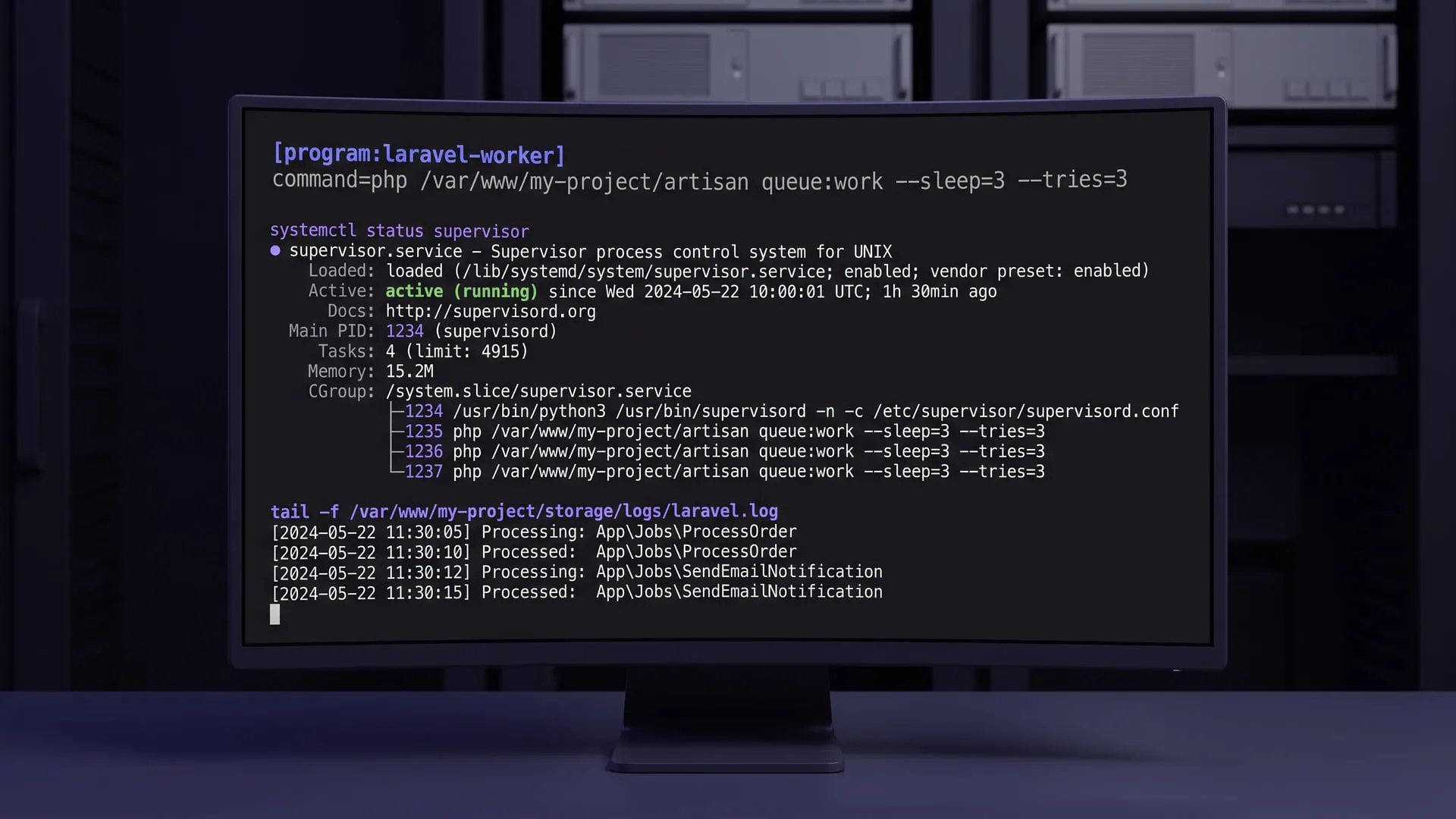
Artisan: The command-line tool that ships with the framework. You can generate controllers, models, and other files with a single command:
php artisan controller:make KullaniciControllerThese small conveniences add up over time.
How it differs from raw PHP
Using a framework comes with trade-offs: a learning curve, the obligation to follow the framework’s conventions, and moving forward without always knowing what’s happening underneath. For a first project, that curve is real. But escaping the repetitive setup work and gaining a consistent structure makes it worth it.
I’m now building a real project with Laravel 4. As I get to know each layer of the application, I’ll continue this series.
Experiments on this topic
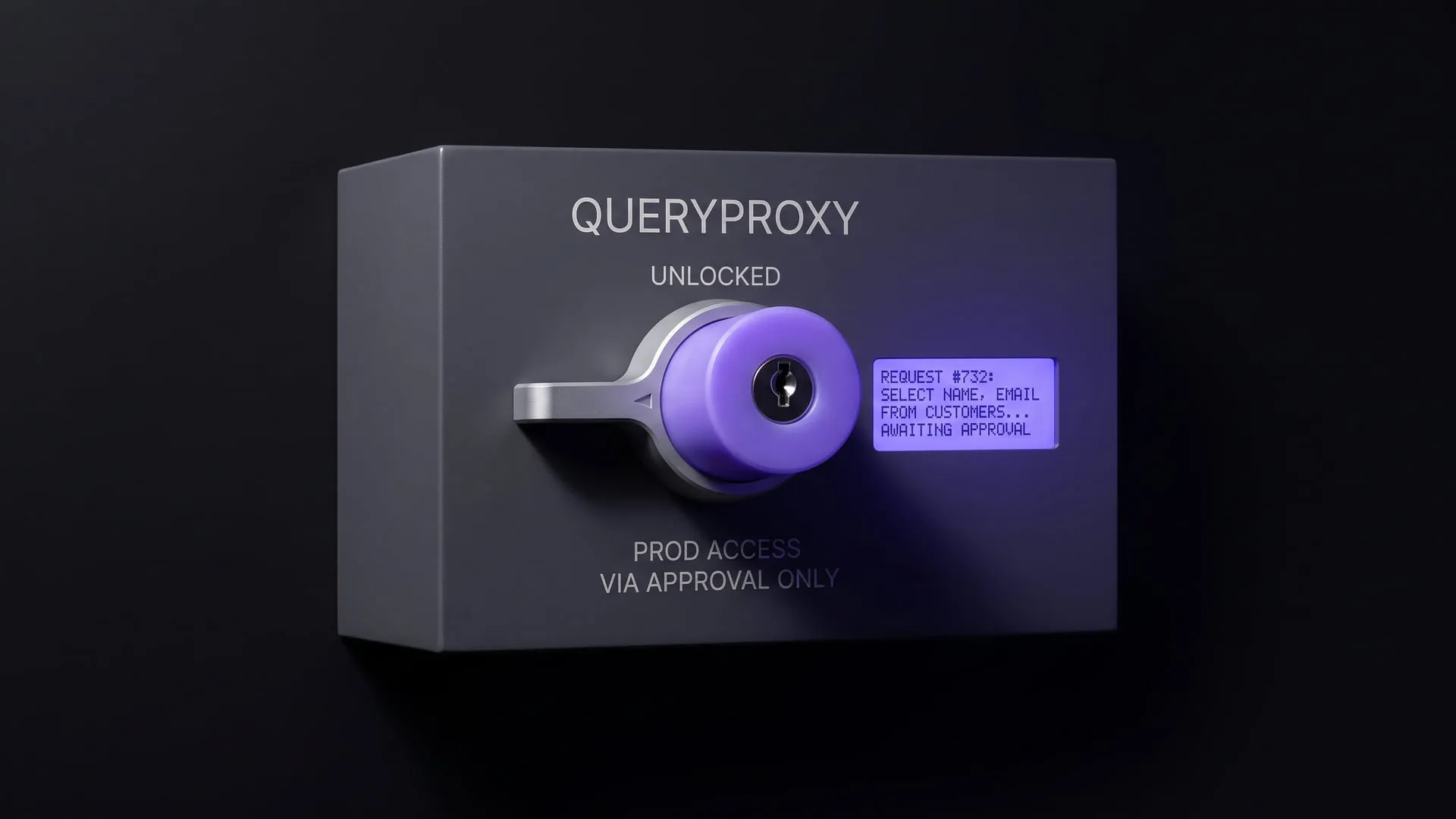
Reaching production data without handing out the password
A self-hosted portal that puts ad-hoc production SQL behind approval, masking and an immutable trail; it became the QueryProxy product.
What it does today
Runs a developer's SQL against production through an approval step rather than directly; results are masked as they are written to disk and every request lands in an immutable record. Teams where production access sits with one person can run it today.
academia.sh: can theory and a real field problem live in the same lesson?
A free, publicly open, text-first learning platform that holds textbook theory and problems actually met in the industry inside a single lesson flow.
What it does today
Live as a free learning platform with no signup wall: the field–curriculum–course–unit–lesson hierarchy, full-text search, progress tracking and verifiable certificates all work. Anyone who wants to read the computer-science curriculum can use it today.
Comments
Sign in with your GitHub account to join the discussion. Comments are stored in GitHub Discussions.